Vacation mode lets you take a short or long break from the app. When on vacation, Otto unblocks all websites and lets you access them for the duration of the vacation. It also disables any other rules you've setup.
How to turn on vacation mode
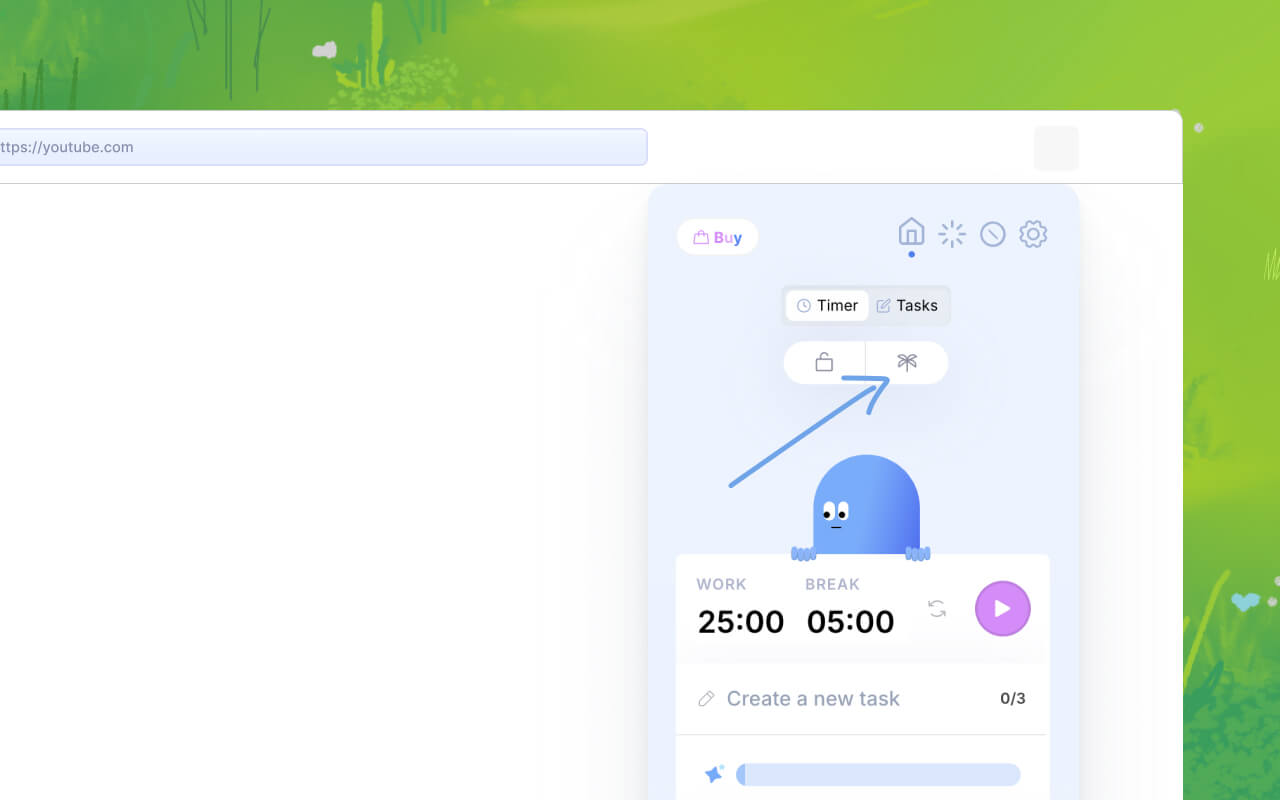
- Open the Otto popup
- Click on the Palm tree icon
- Pick a duration
- Click on the "start Vacation" button
Note: On the free version, you can take a vacation for upto 4 days. For longer days, you must upgrade to Pro
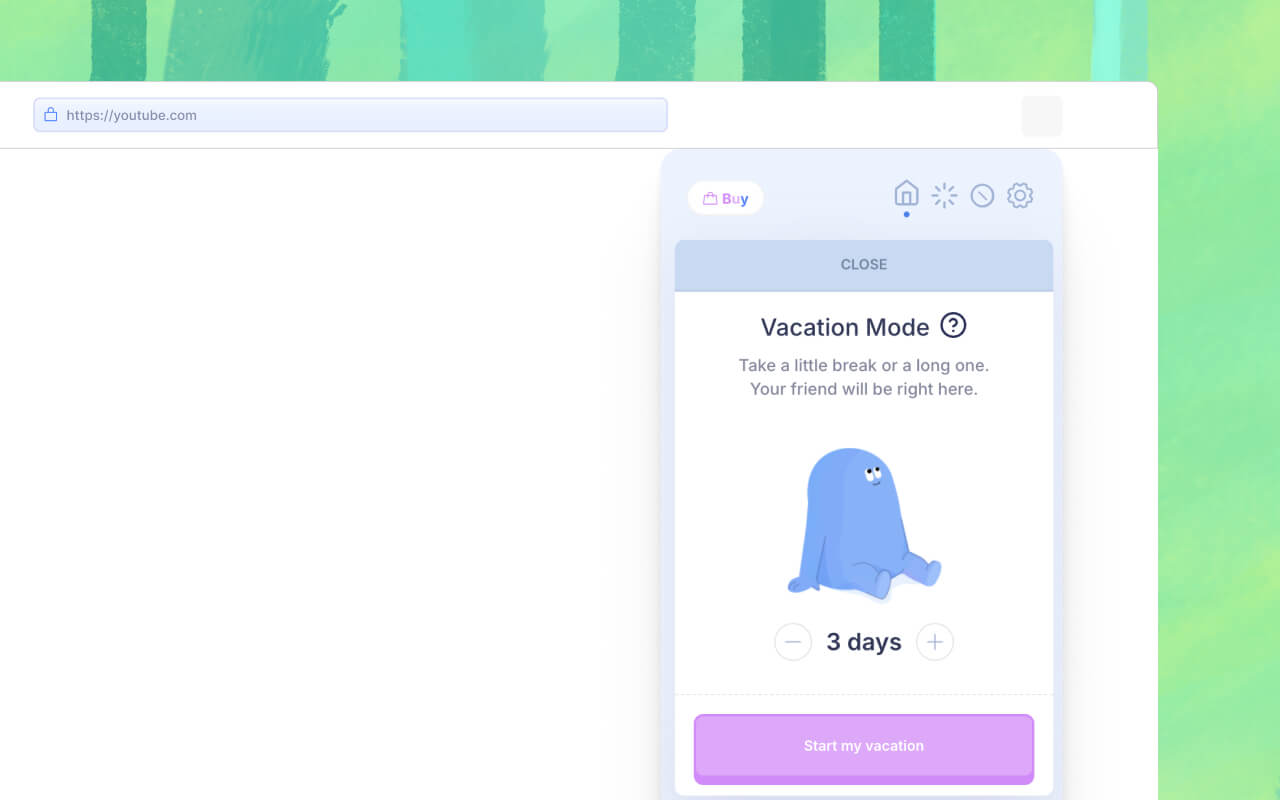
Here's what happens when vacation mode is active
- All your blocked rules will be inactive
- You should be able to start the pomodoro timer if you want, but the websites will not be blocked during the session
- Otto's bond with you will pause, and will not decay. You will also not gain any points during this period.
Turning off Vacation mode
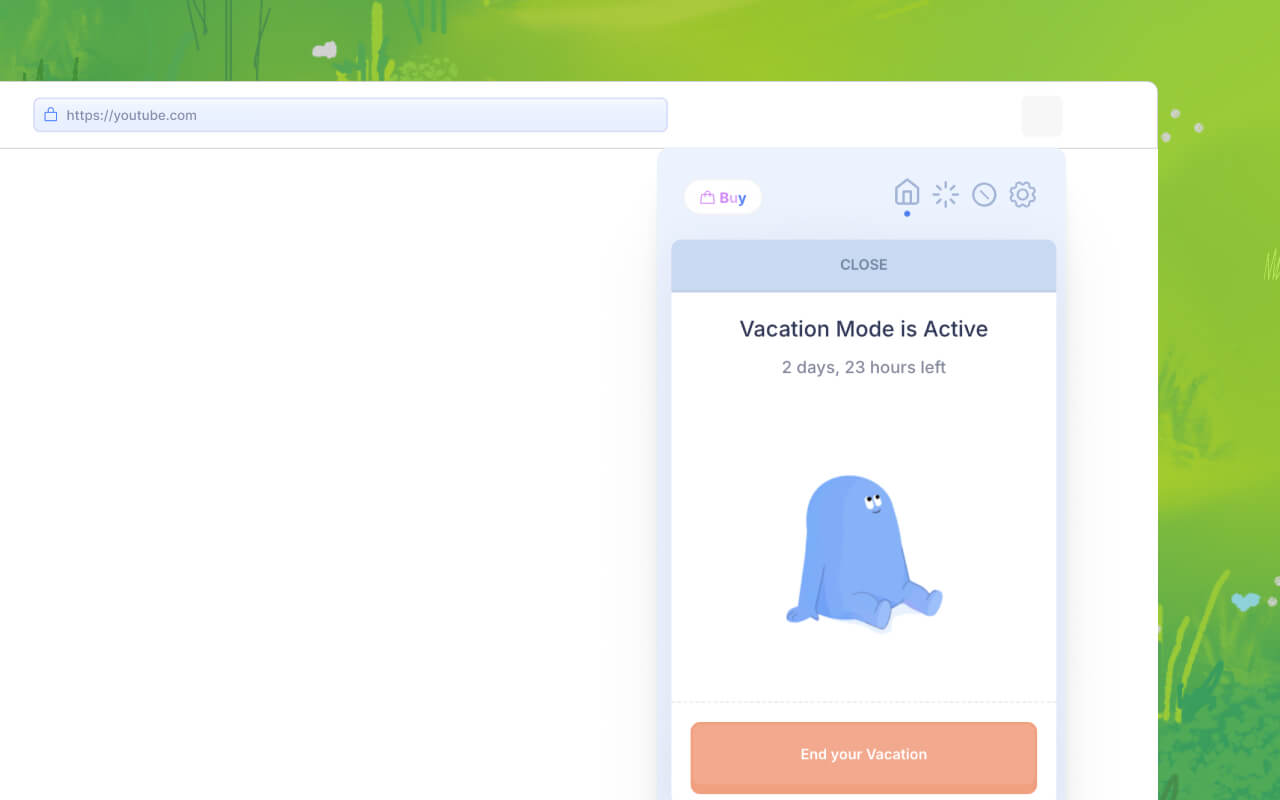
Click on the "End your vacation" button manually to end it early. But after the duration, the vacation mode should end automatically.