Pomodoro Timer

One of the main features of Otto is the Pomodoro timer. The feature is really simple, but what makes it different is how well it works with the Website Blocking feature. Whenever the timer is running, all the websites in your block list will be blocked for that session.
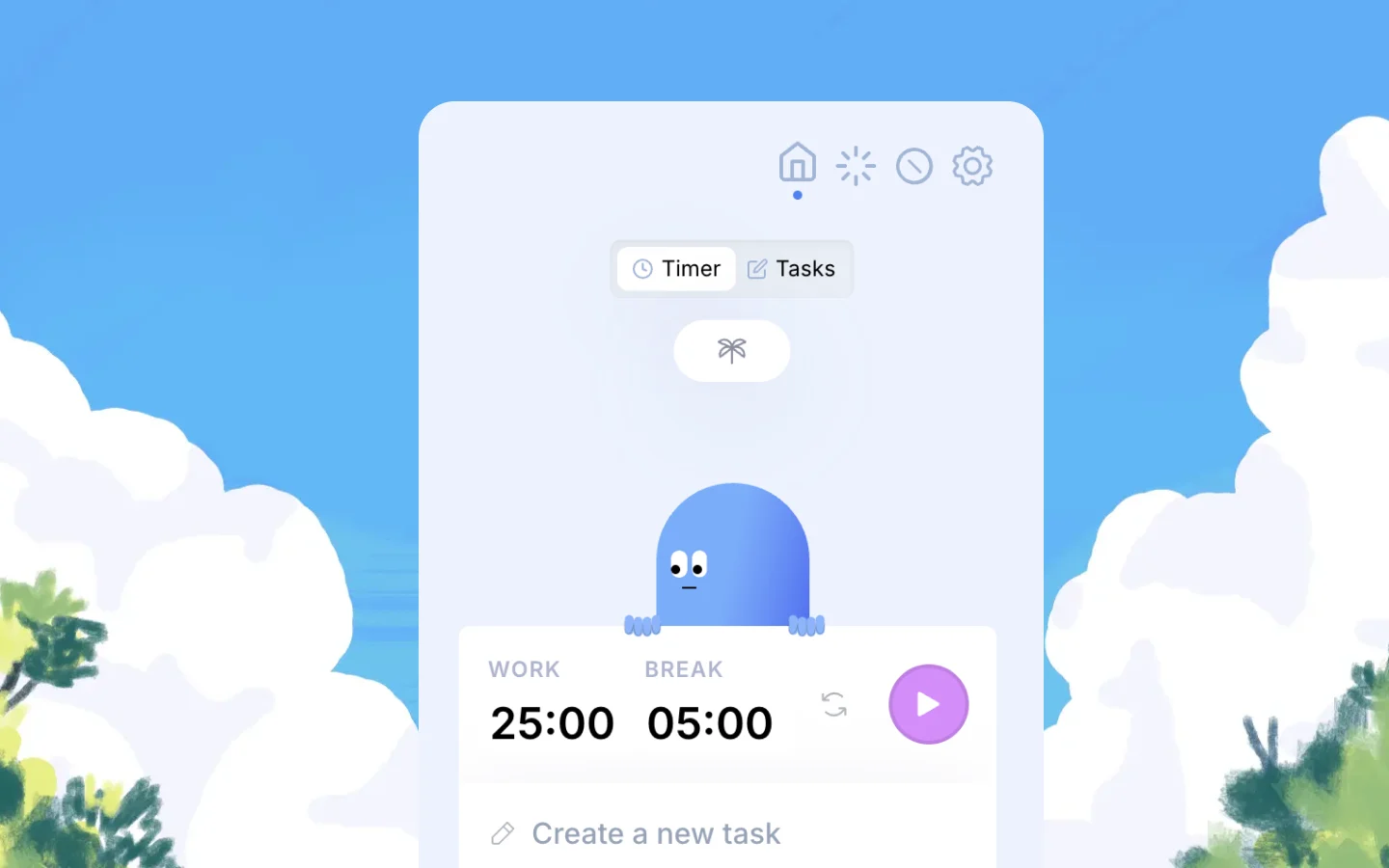
How does the Pomodoro feature work on Otto?

  • You set a work duration and a break duration. Use the format MM:SS.
  • A Pomodoro session can be up to 90 minutes.
  • You can name your sessions, which will turn it into a Task Timer
  • Once the session is complete, you will see a dialog box appear asking you if you want to do another session.

What features does the Pomodoro timer work with?

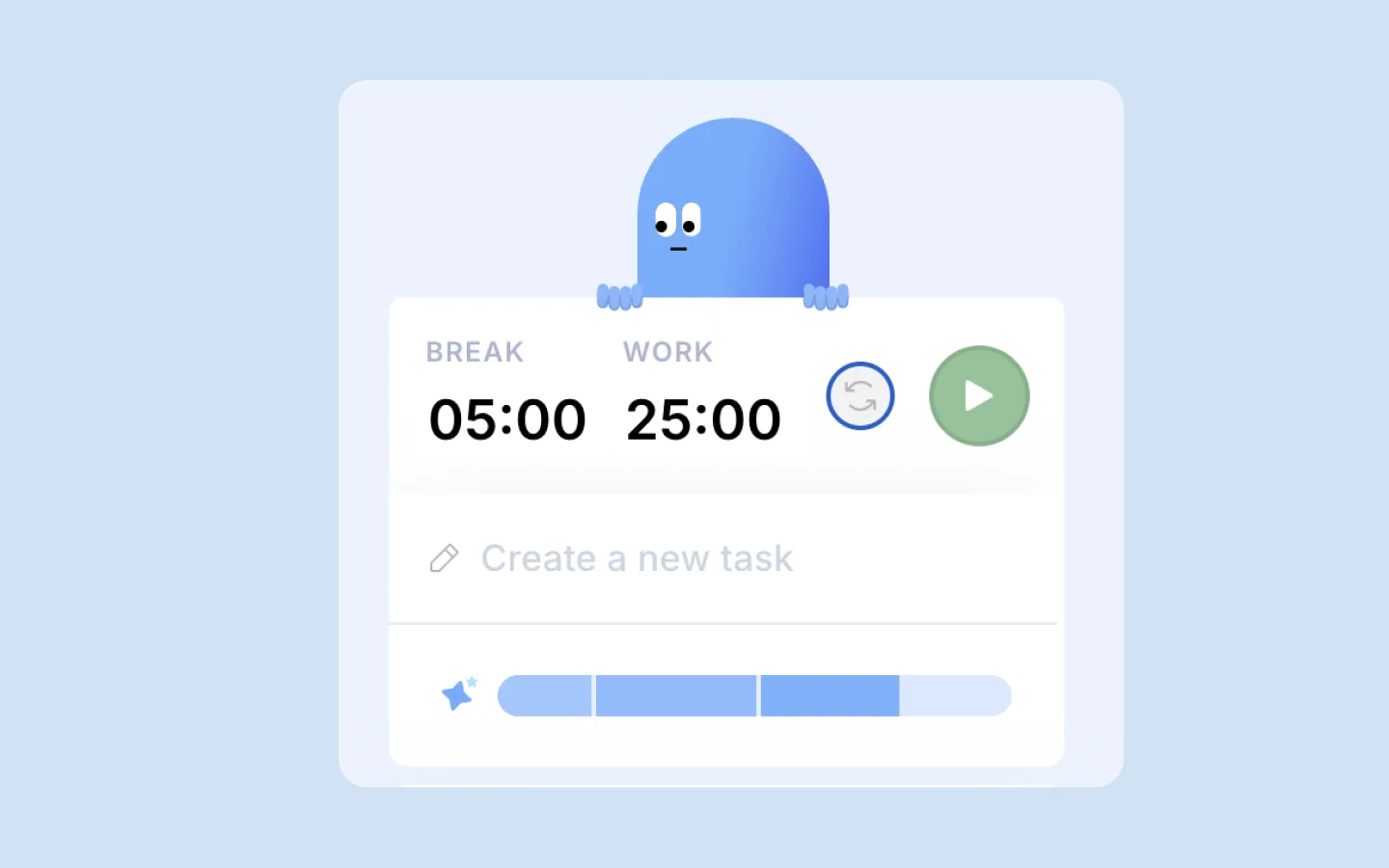
Reverse Pomodoro: Just like the regular Pomodoro but in reverse. It starts with a break, followed by a work session. Perfect for when you procrastinate. You are reminded to work after a long or short break — it’s a subtle way to trick your mind.
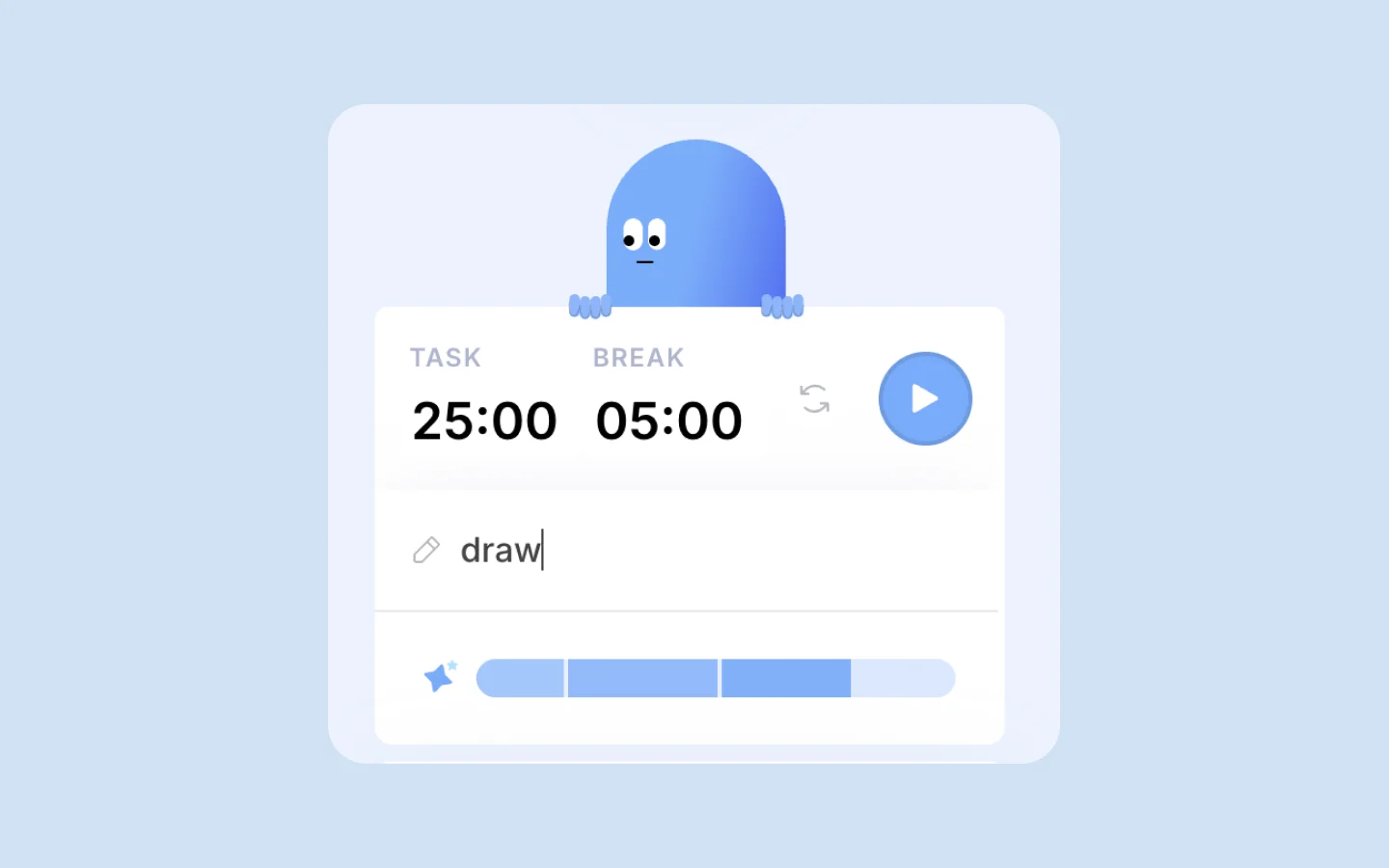
Task timer: Turn your Pomodoro sessions into Task Timers. With Task Timers, you can be more intentional about your sessions. It’s perfectly fine not to name your sessions, but when you do, you indirectly tell your brain that it’s time to do “X.”

Website Blocking: Block websites only during focus sessions.

Autoblock: With Autoblock, you can set time-limits for specific websites. It’s handy when you really need access to a site you’ve blocked but don’t want to restrict yourself. It’s flexible.

Analytics: Saves your focus time.

How it works with the Game Mechanics

Completing focus sessions increases your bond with Otto faster. The more consistent you are with your sessions, the faster your bond grows over time.


FAQ

1. Why can't sessions be more than 90 minutes?

The goal of working in intervals is to split large tasks into smaller ones so you can get things done without procrastinating. It helps you be mindful about what you work on, how long you work on it, and ensures you take regular breaks.

2. I don’t use Pomodoro, is Otto still right for me?

It depends. Otto is not just a Pomodoro timer. It’s also a website blocker that helps you manage distractions. You don’t need the timer to use the Scheduled Blocking feature — you can set up blocks for your chosen hours independently.

3. I don’t need the Tasks feature, will Otto Pro still be useful to me?

Maybe — it really depends. While we’d be happy to have you as a Pro user, we also understand that not everyone needs every feature. There are other Pro features like Scheduled Blocking, Autoblock, Advanced Website Blocking, and Analytics that you might find useful. Either way, we’re happy to have you as a user.

Your certified internet friend forever.

A little friend for a Wandering mind .

Otto is a Focus timer and Website blocker that helps you stay mindful and intentional.

Used by 60,000+ wanderers, (4.5 ★ / 5) on the Chrome Store